Scale Any Recipe
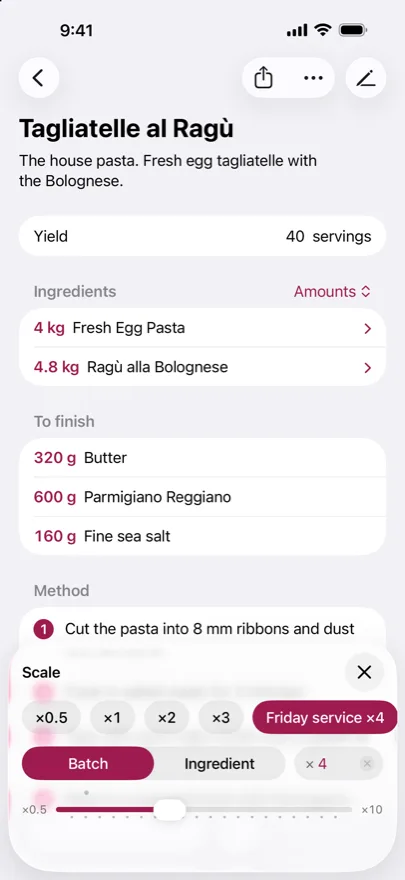
Change the yield or scale around one ingredient, and every quantity updates together. Save the batches you make often.
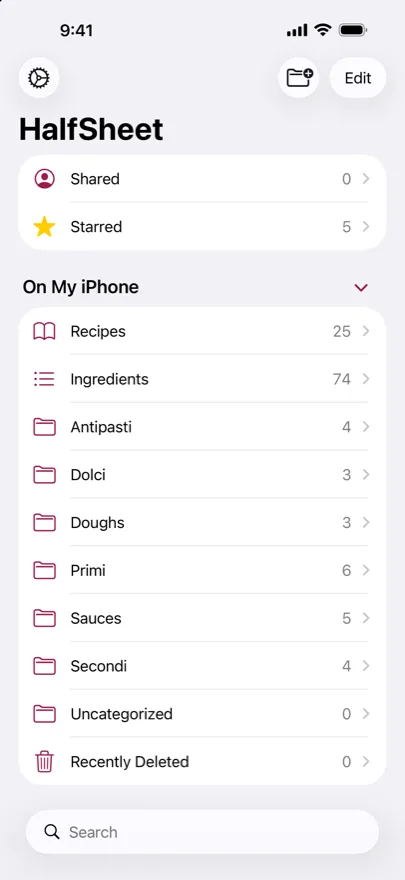
 HalfSheet
Your recipes, scaled and beautifully organized.
Download on the App StoreChange the yield or scale around one ingredient, and every quantity updates together. Save the batches you make often.
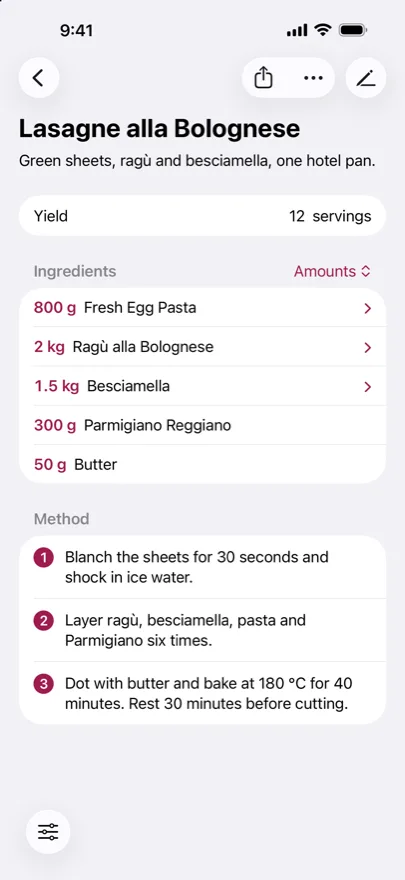
Link sub-recipes, so a dough, sauce, or filling can be part of another recipe.
Your library stays on your Mac, iPhone, and iPad and syncs through your private iCloud. There’s no separate HalfSheet account to create.
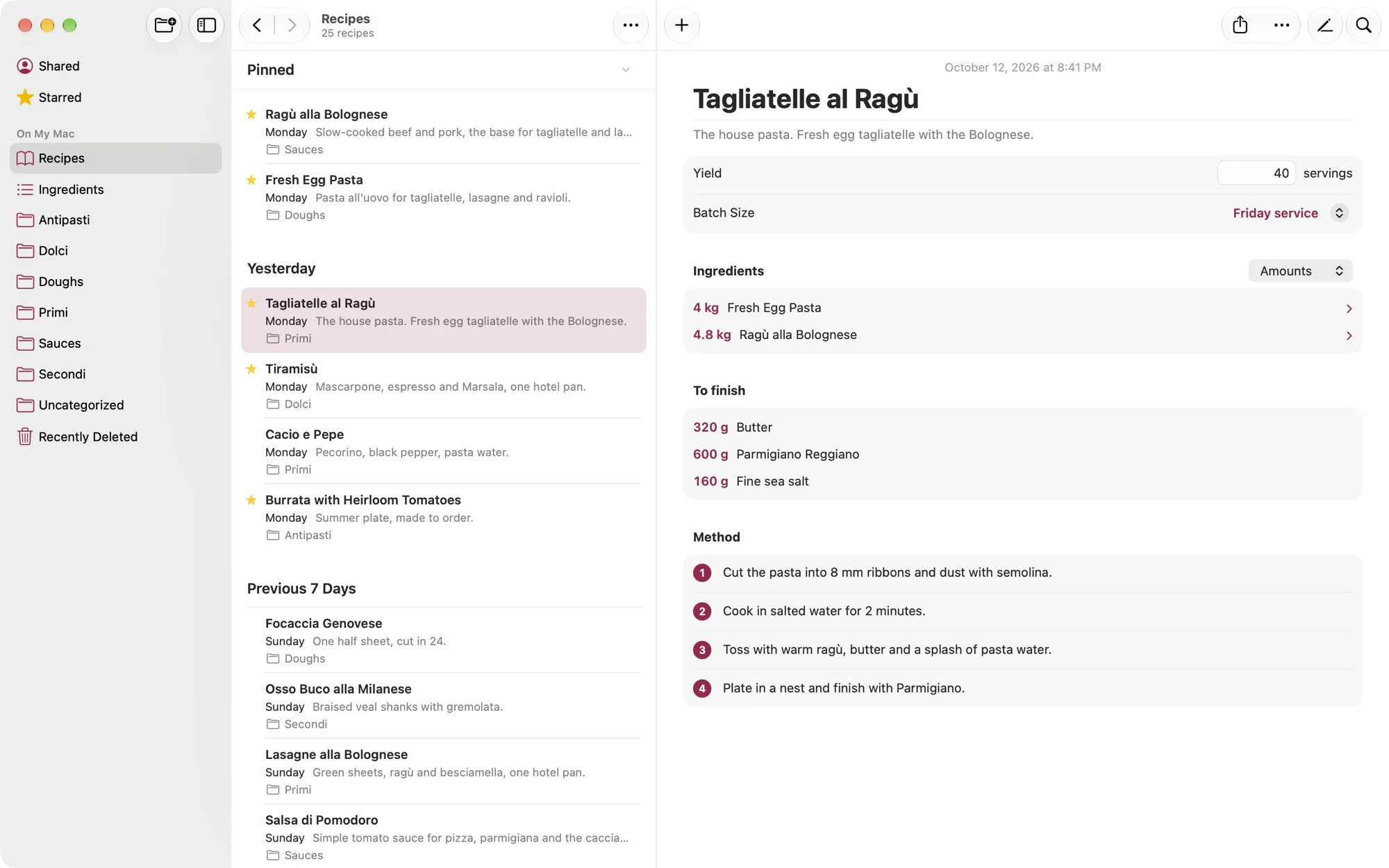
A native app on Mac, iPhone, and iPad. On the Mac it works like Notes, with a sidebar, real menus, and keyboard shortcuts.
Yes. HalfSheet is free to use, with optional tips and a monthly supporter subscription.
Any Mac with macOS 26.5 or later, and any iPhone or iPad with iOS 26 or iPadOS 26 or later.
There is no HalfSheet account. Your library works offline. iCloud sync needs an internet connection and your Apple Account.
On your Mac, iPhone, or iPad, synced through your private iCloud database when iCloud is available. Our privacy policy explains the details.
On a Mac, use File → Export Recipes as CSV. On iPhone or iPad, tap the More button above the recipe list and choose Export as CSV.